
Strengthening Your Business’s Cyber Security: Simple Steps from Your Trusted IT Partner

In today’s digital age, the importance of cybersecurity for your business cannot be overstated. Cyber threats are constantly evolving, and as your trusted IT partner, we’re here to help you protect your valuable data and sensitive information. In this article, we’ll discuss some simple yet effective steps you can take to bolster your business’s cybersecurity defences.


Educate Your Team

The first line of defines against cyber threats is your employees. Conduct regular cybersecurity training sessions to educate your staff about the latest threats and best practices. Teach them to recognize phishing emails, avoid suspicious websites, and use strong, unique passwords. By fostering a cybersecurity-conscious culture within your organization, you can significantly reduce the risk of human error leading to data breaches.


Implement Multi-Factor Authentication (MFA)

MFA is a powerful tool that adds an extra layer of security to your systems and accounts. By requiring users to provide multiple forms of identification, such as a password and a fingerprint, you can thwart many unauthorized access attempts. Enable MFA on all your critical systems and encourage employees to use it on their personal accounts as well.


Regularly Update and Patch Software

Cybercriminals often exploit vulnerabilities in outdated software. Make it a priority to keep all your software, including operating systems and applications, up to date. Set systems to automatically install updates whenever possible. Additionally, establish a regular patch management process to ensure that any security patches are applied promptly.


Backup Your Data

 Data loss can be crippling to a business. Implement a robust data backup strategy that includes both onsite and offsite backups. Regularly test your backups to ensure they can be restored in case of a disaster. With a reliable backup system in place, you can quickly recover your data in the event of a cyberattack or other unforeseen circumstances.


Partner with a Managed Security Services Provider (MSSP)

Consider enlisting the services of an MSSP like us to monitor your network 24/7 and respond to potential threats in real-time. MSSPs have the expertise and tools to detect and mitigate cyber threats effectively. They can also provide valuable insights and recommendations to further enhance your cybersecurity posture.


Safeguarding your business against cyber threats is an ongoing process that requires vigilance and a proactive approach. By educating your team, implementing MFA, staying updated on software patches, maintaining reliable data backups, and partnering with an MSSP, you can significantly improve your cybersecurity defences. Remember that cybersecurity is a shared responsibility, and together, we can keep your business safe from cyber threats in this digital age.  

If you would like guidance with bolstering the cyber security of your business, contact ITSP today!

Cyber Security

Cyber Security -10 ways to prevent Cyber Attacks on your business

Findings from the CyberEdge 2022 Cyberthreat Report showed that 81.4 per cent of UK based organisations had experienced at least one cyber-attack in the year prior to the study taking place, showing an increase of over 10 per cent from the 2021 report. With this in mind, we believe it’s never been more important to secure the safety of your business.

In this article, we will share with you 10 simple actions you can take in order to improve the cyber security of your organisation and how we can provide support with the implementation of these strategies.

Read More

Migrating to Microsoft 365 – A Cambridge case study

The unexpected events of 2020 have brought the need for efficient remote working right to the forefront of most businesses’ infrastructure requirements.

Whilst we have been encouraging companies to migrate to Microsoft 365 for some time, recent developments have forced the issue, making real the value it adds.

Today we are sharing, with their permission, a case study of a charitable organisation, whose employees all needed to switch to remote working overnight. We’ll take a look at their existing systems, what challenges they presented, why we agreed a migration to MS 365 was the answer and how they are getting on with it since the shift.

Read More
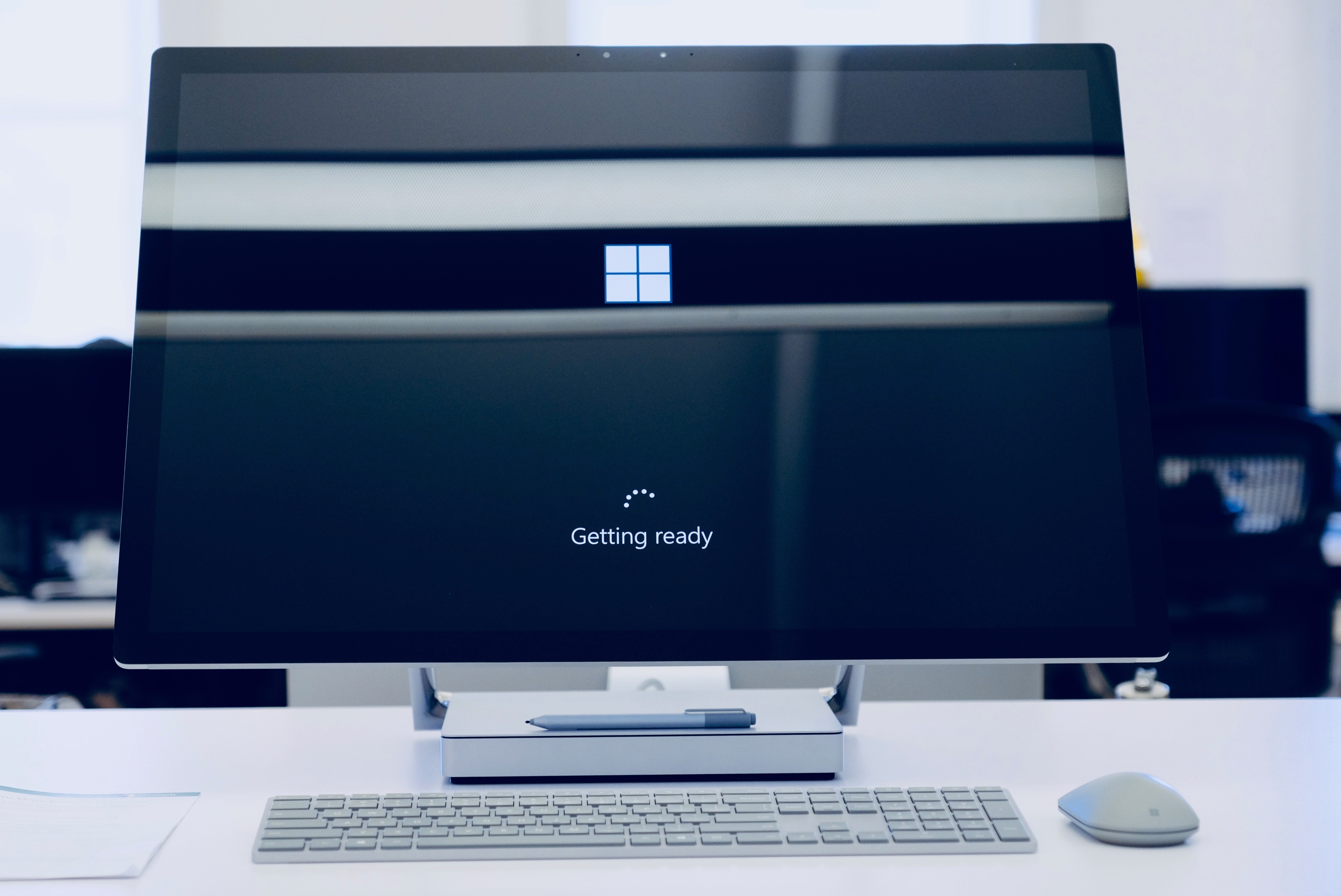
microsoft computer with getting ready update message on black screen

Still on Windows 7? Time is up for Microsoft support

You may have seen in recent news features that Microsoft has stopped supporting Windows 7. But you may not know what this means for you or your Business if you are still working with Windows 7.

Here’s a quick overview and some guidance on how to get help.

What’s changed?

In 2019, Microsoft gave notice that on January 14th 2020, they would stop providing support for their windows 7 platform to focus solely on Windows 10.

In practical terms, this means that there will be no more patches, security updates or software support.

How does that affect me?

The principal area of concern is that you could be left open to security breaches, and could already be operating outside of GDPR regulations.

In the first half of last year a Bug was discovered in which hackers were exploiting a loophole in Windows 7 to place malware onto people’s computer. Whilst Microsoft dealt with that security threat, they will not remedy any such threats which arise in the future.

Because Microsoft are no longer providing support for the Windows 7 Operating system, they will not be available to provide support should something go wrong and recovery becomes more difficult.

What should I do?

The immediate advice is to upgrade to Windows 10.

Microsoft recommend installing Windows 10 on a new PC, but you may be able to upgrade your existing machine(s). If you are concerned your hardware specifications are not high enough to run the latest operating system then it may be time for an upgrade there too.

We can help you to determine your best way forward given your current set up.

Where can I find out more?

You can find out more about how this may affect you by visiting Microsoft’s FAQ, or give us a call and we will be happy to discuss your options